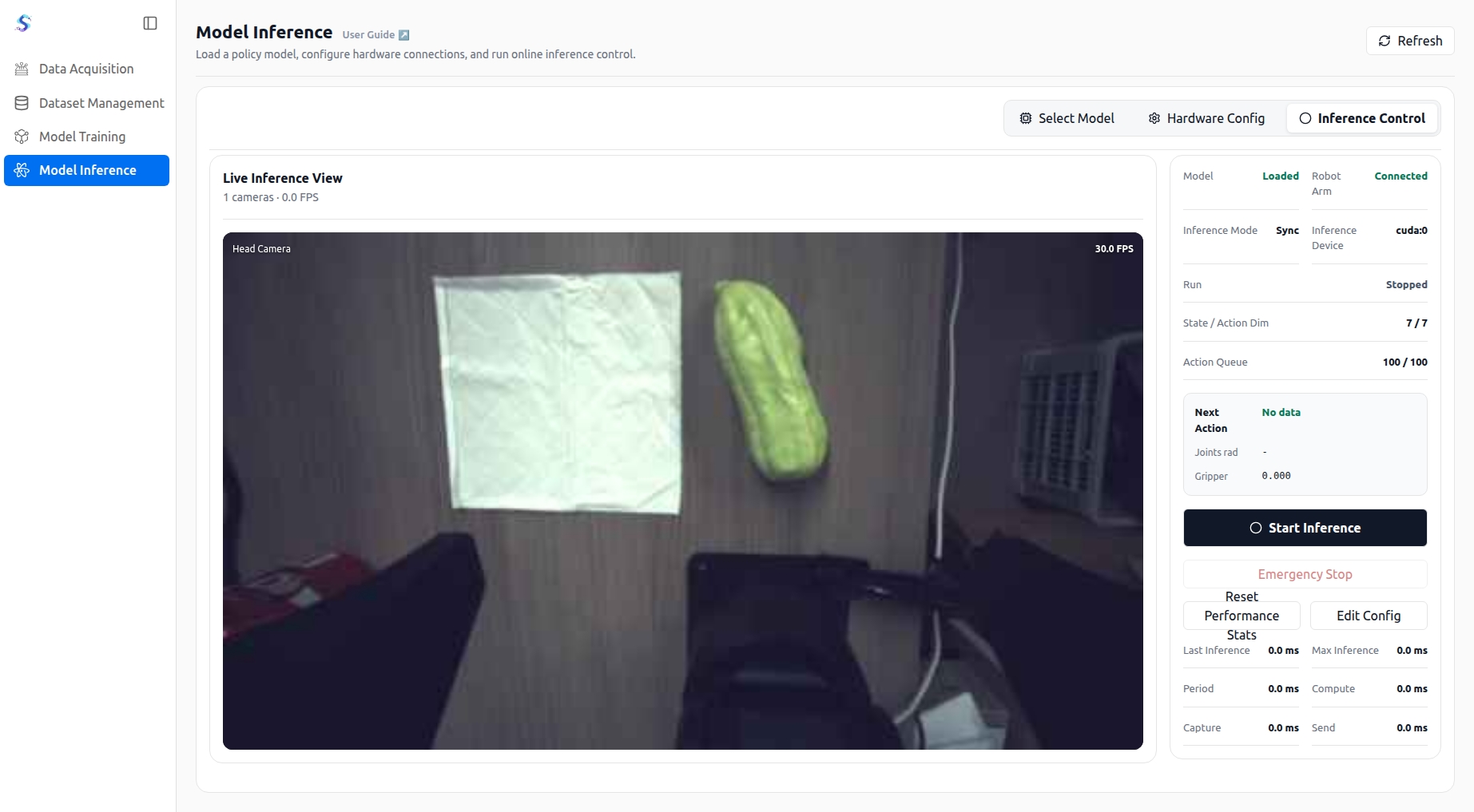
Inference Deployment
Inference deployment loads a trained model and connects the model output to the real robot control workflow.
Before running model inference for the first time, install the inference plugin. In the Model Runtime Information area on the right side of the Select Model page, click Check and follow the on-screen instructions to install or update the plugin. After the plugin status shows Installed, load the model and continue to hardware setup.

Select Model
After downloading the model artifact, fully extract the archive and then select the entire extracted model folder in SparkMind.
1. Extract the Model Artifact
In the file manager, locate the downloaded model artifact archive, such as xxx-model.tar.gz.
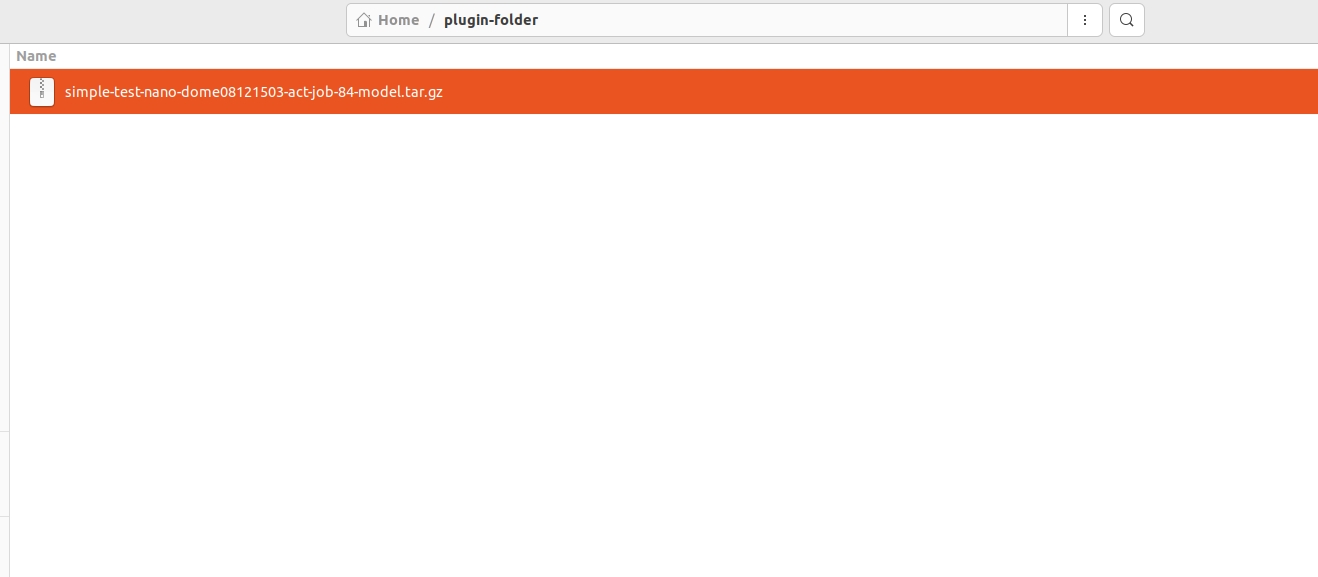
Right-click the archive and select Extract Here. When extraction finishes, a model folder with the same name, without the .tar.gz extension, appears in the current directory.
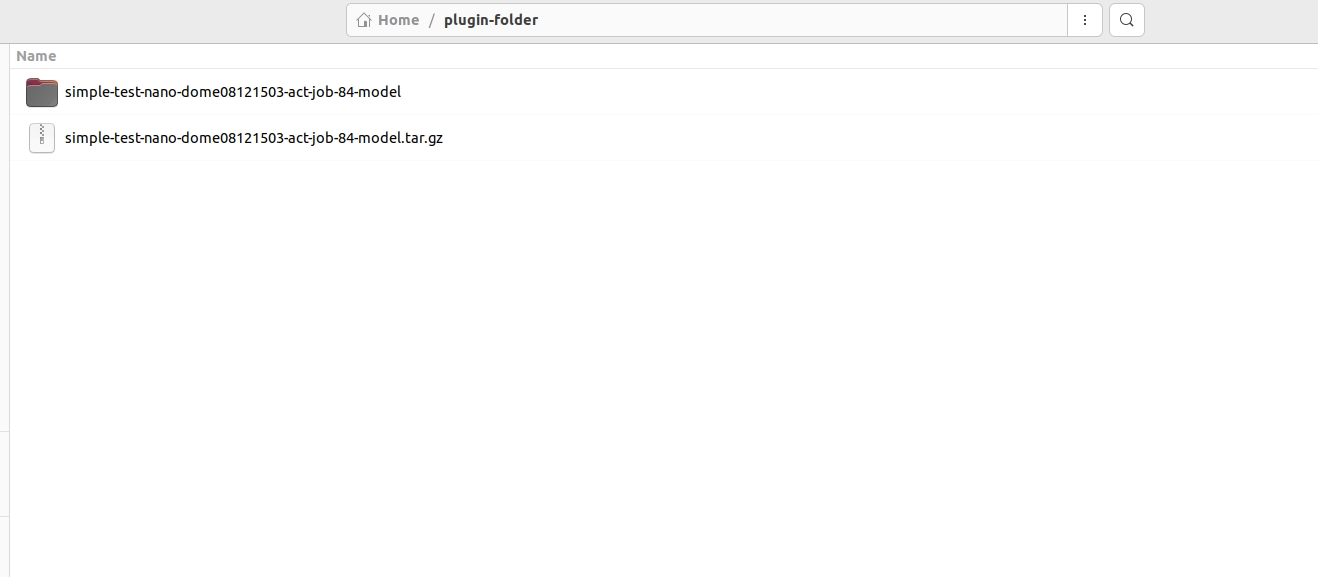
Use the newly created model folder in the following steps. Do not select the .tar.gz archive directly.
2. Check the Model Folder
Open the extracted model folder to view the model weights and configuration files. File names and counts may vary by model. Common files include:
model-folder/
├── artifact_manifest.json
├── config.json
├── model.safetensors
├── policy_postprocessor.json
├── policy_preprocessor.json
├── robot_io.json
└── train_config.json
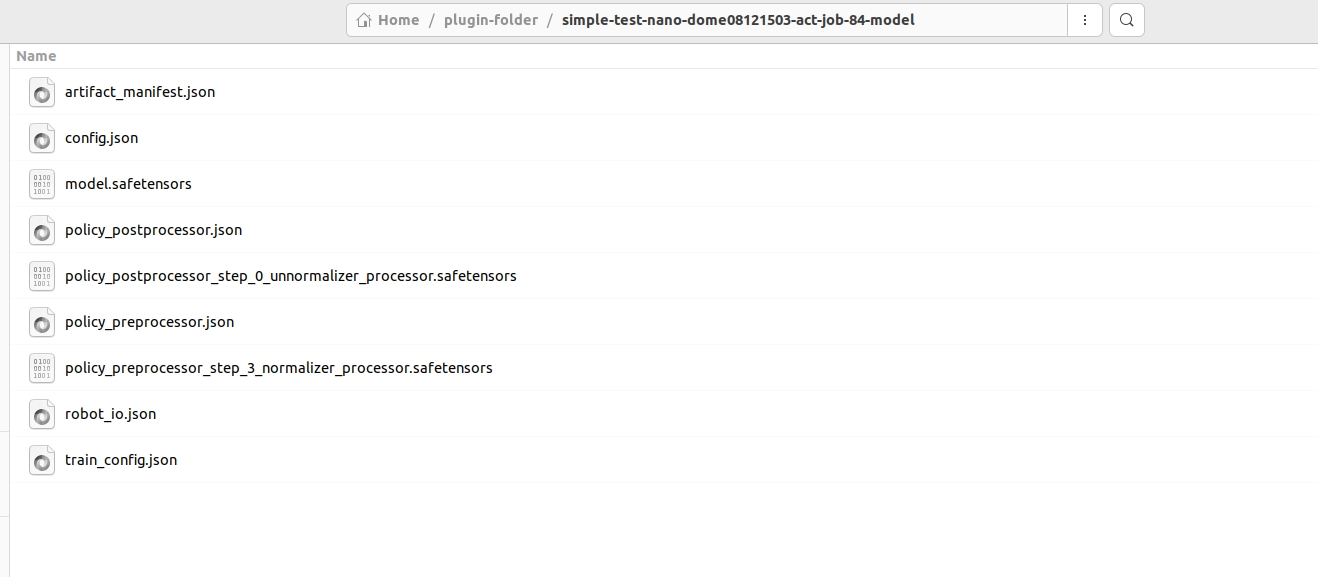
3. Select the Extracted Model Folder
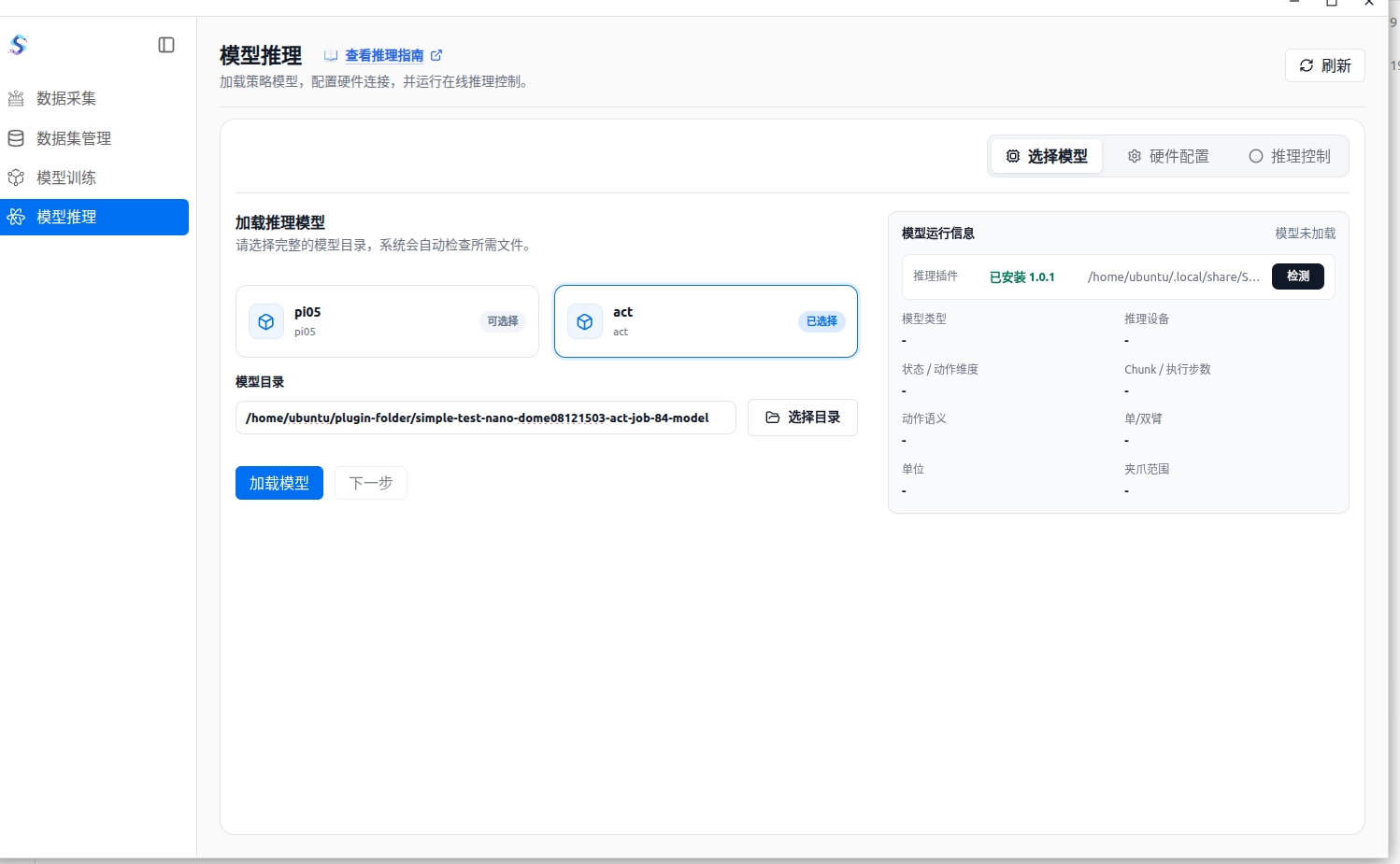
- On the Model Inference page, select the model type that matches the downloaded artifact.
- Click Select Directory to open the folder picker.
- Open the directory that contains the extracted model folder and click the model folder once to highlight it.
- Click Select in the upper-right corner. Do not double-click into the model folder.
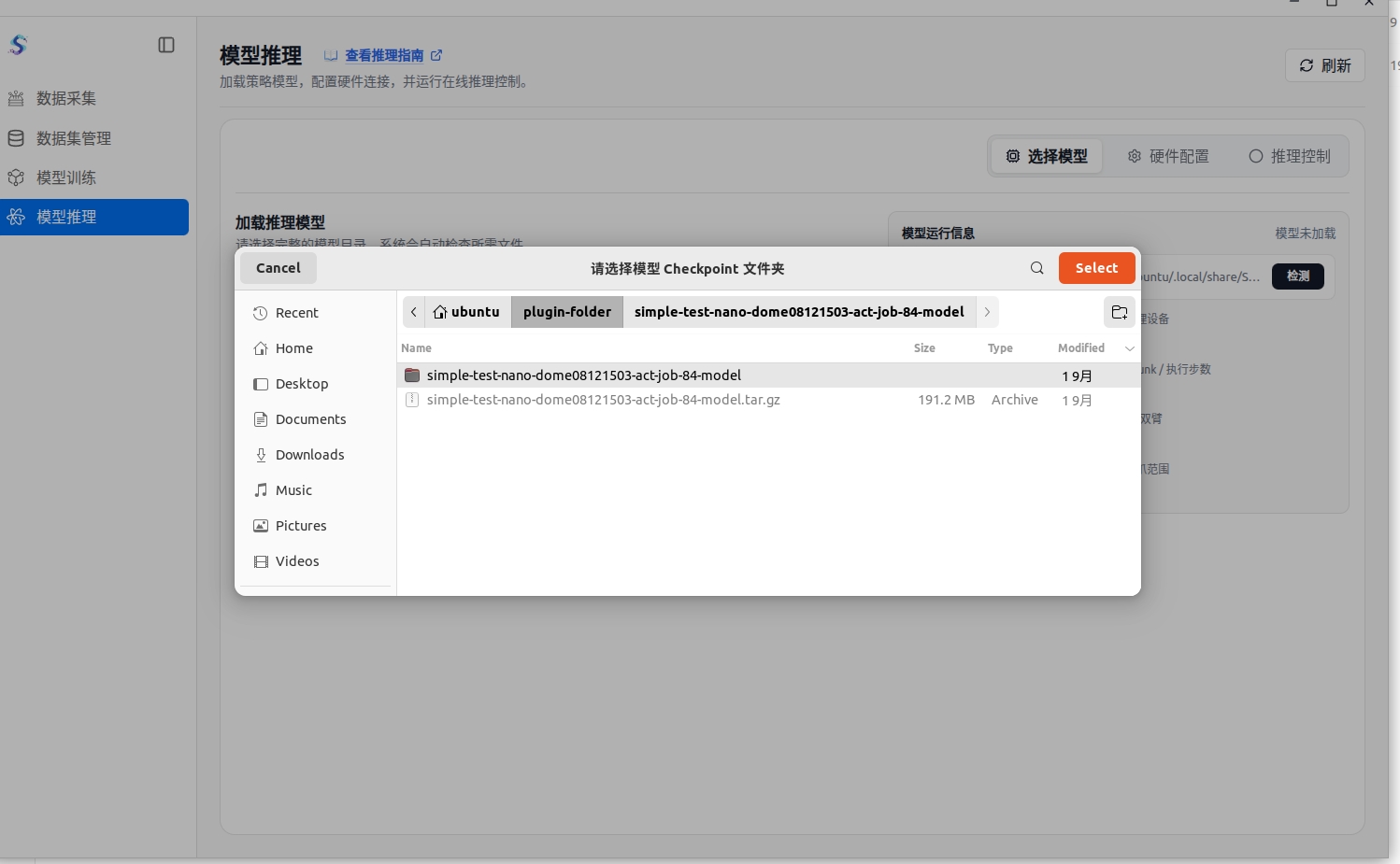
- After returning to the page, confirm that the directory field displays the full path of the extracted model folder.
- Click Load Model.
Hardware Setup
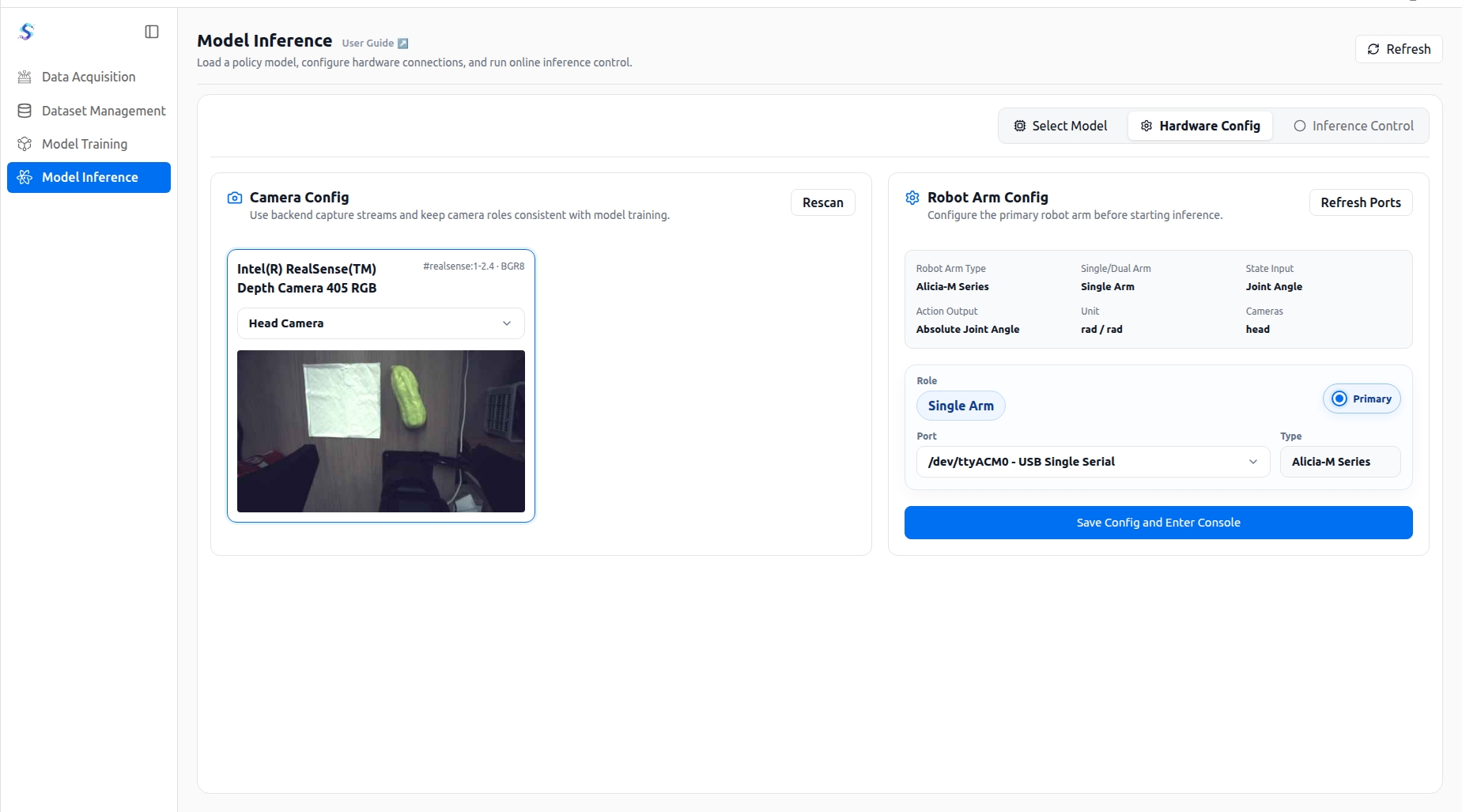
Hardware setup connects model inputs with robot outputs:
- Scan and assign camera roles to make sure the inference view source is correct.
- Configure robot serial ports, robotic arm roles, and the primary control arm.
- After confirming the hardware connection, enter the inference control page.
Inference Control
Inference control runs the model online and shows the robot execution status:
- Start or stop online inference tasks.
- View runtime status, frame rate, action queue, and prediction results in real time.
- View robot feedback data such as joint angles and gripper status.
- Use emergency stop to interrupt robot motion immediately if an abnormal situation occurs.