Personal Center
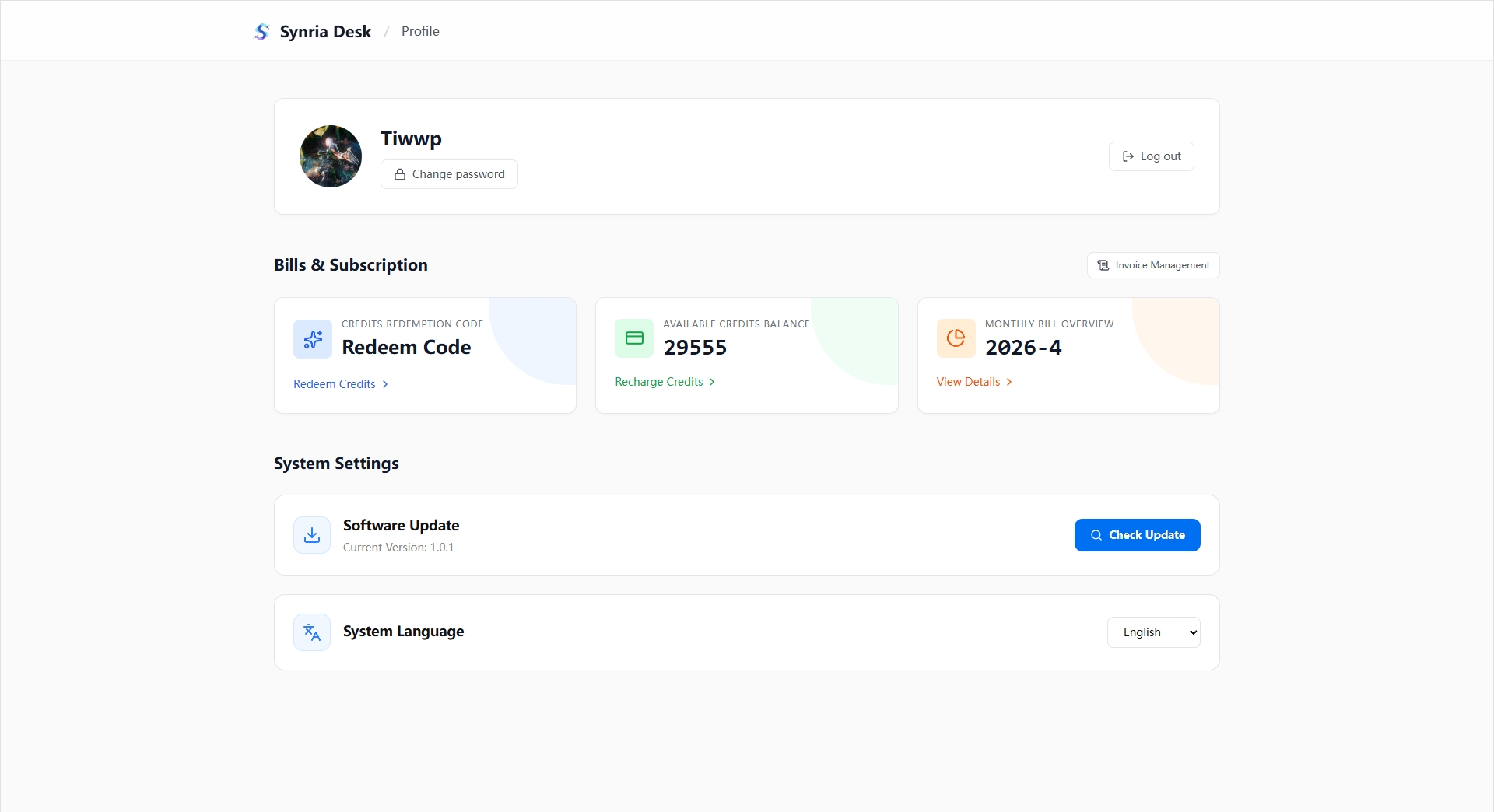
The personal center is used to manage accounts, points, and system settings.
Account Information
- Displays the current user's avatar and username.
- Supports changing the password.
- Supports logging out.
- In guest mode, only limited local settings are displayed.
Points, Billing, and Redemption
The personal center provides the following card entries:
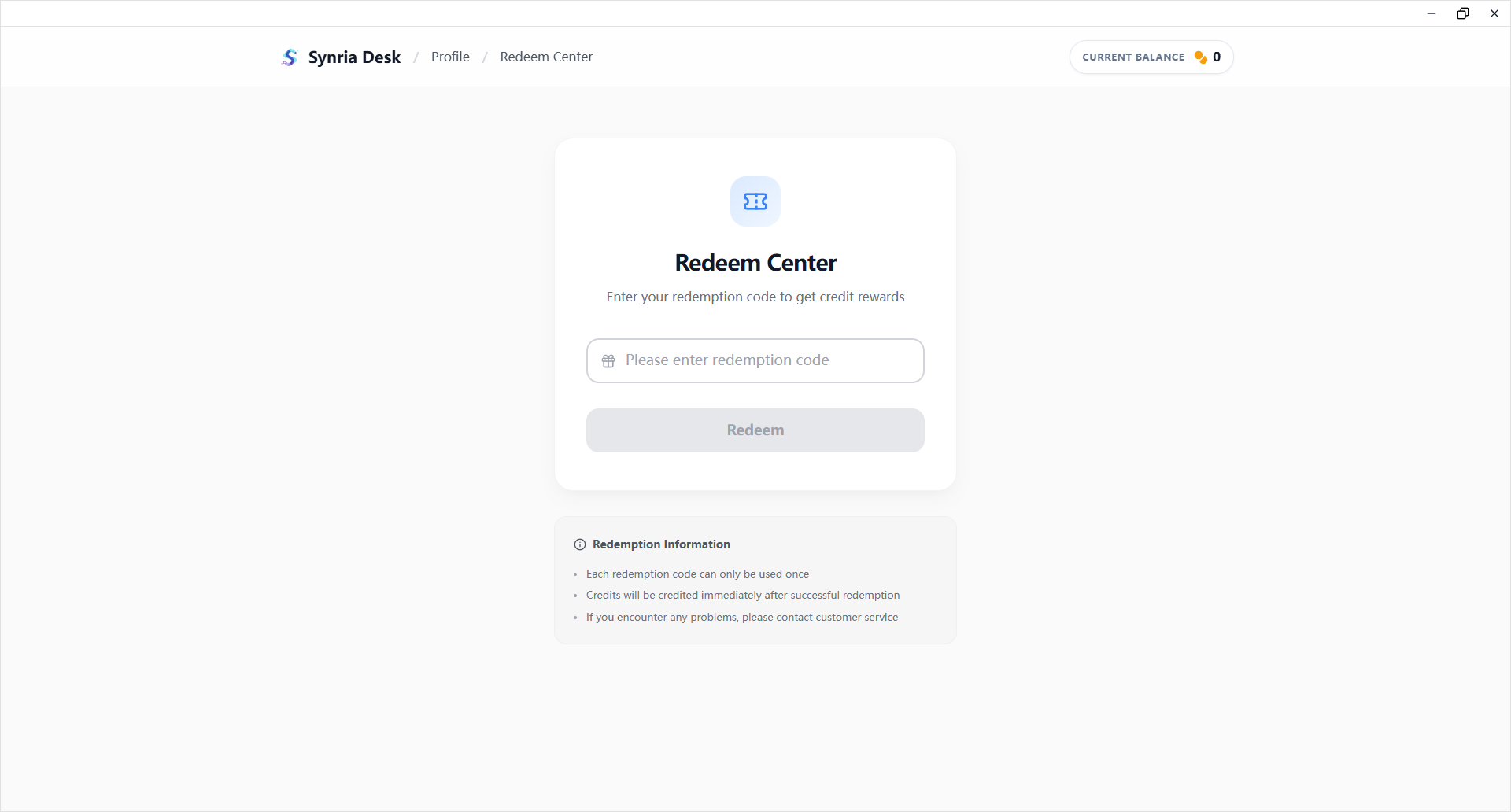
- Redemption Code: Enter a redemption code to redeem points or membership benefits.
- Available Points Balance: View the current points balance and enter the top-up page.
- Monthly Billing Overview: View points consumption and billing details.
- Invoice Management: Enter the invoice application, status viewing, and download flow.
Top-up and Payment
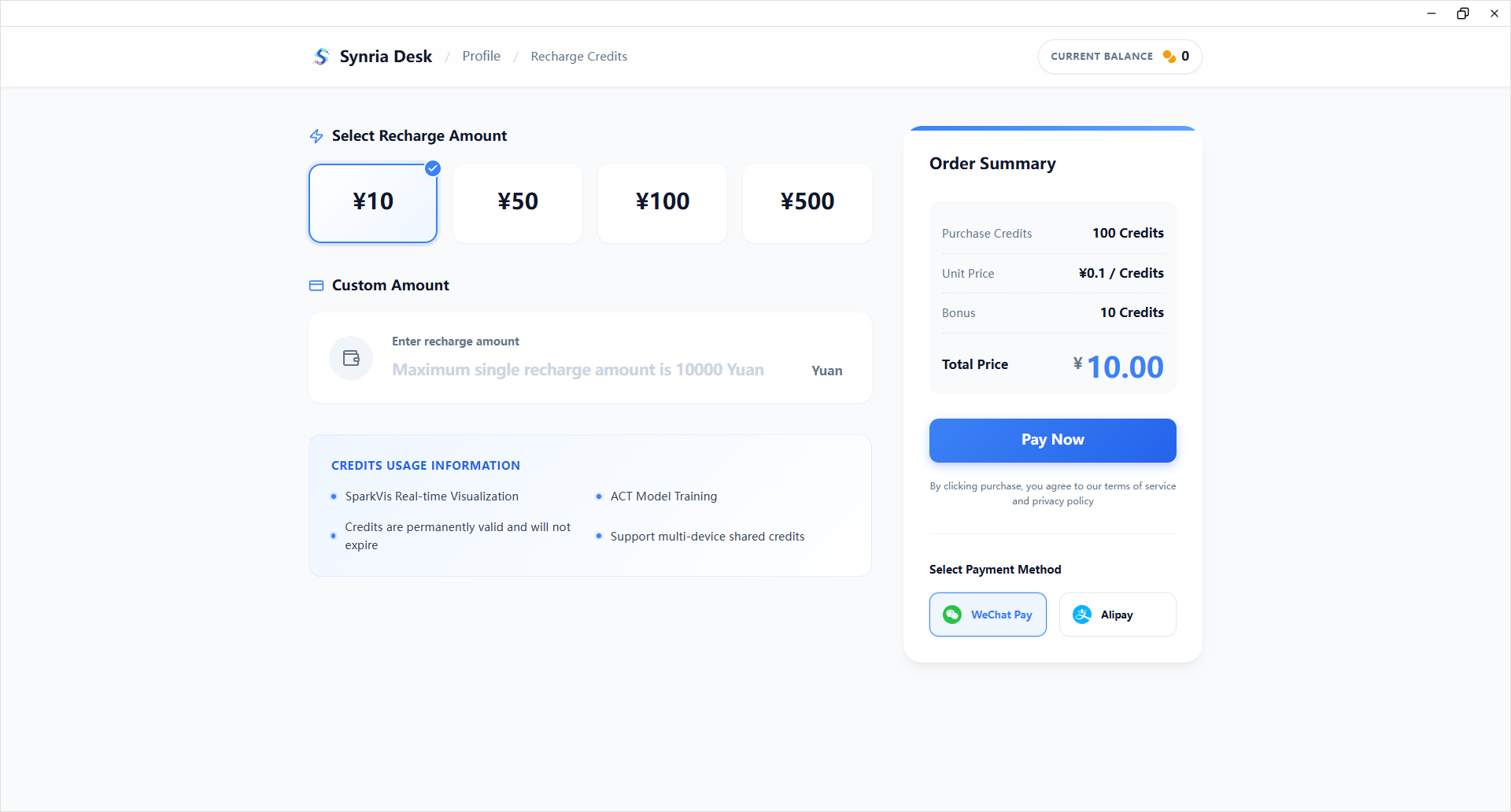
The top-up page supports:
- Selecting a preset top-up package.
- Entering a custom top-up amount.
- Calculating bonus points according to package rules or membership rules.
- Completing payment with WeChat Pay or Alipay.
- Displaying a result confirmation screen after successful payment.
Billing and Invoices
The billing page contains two main sections:
- Billing Details: View monthly bills and transaction records.
- Invoice Management: View invoice records, apply for invoices, and download invoices.
System Settings
- Software Update: View the current version and manually check for updates.
- System Language: Supports switching between Simplified Chinese and English.