Remote Teleoperation
Remote teleoperation is used to transmit leader arm movements to the follower arm in real time and synchronize the camera feed.
Mode Entry
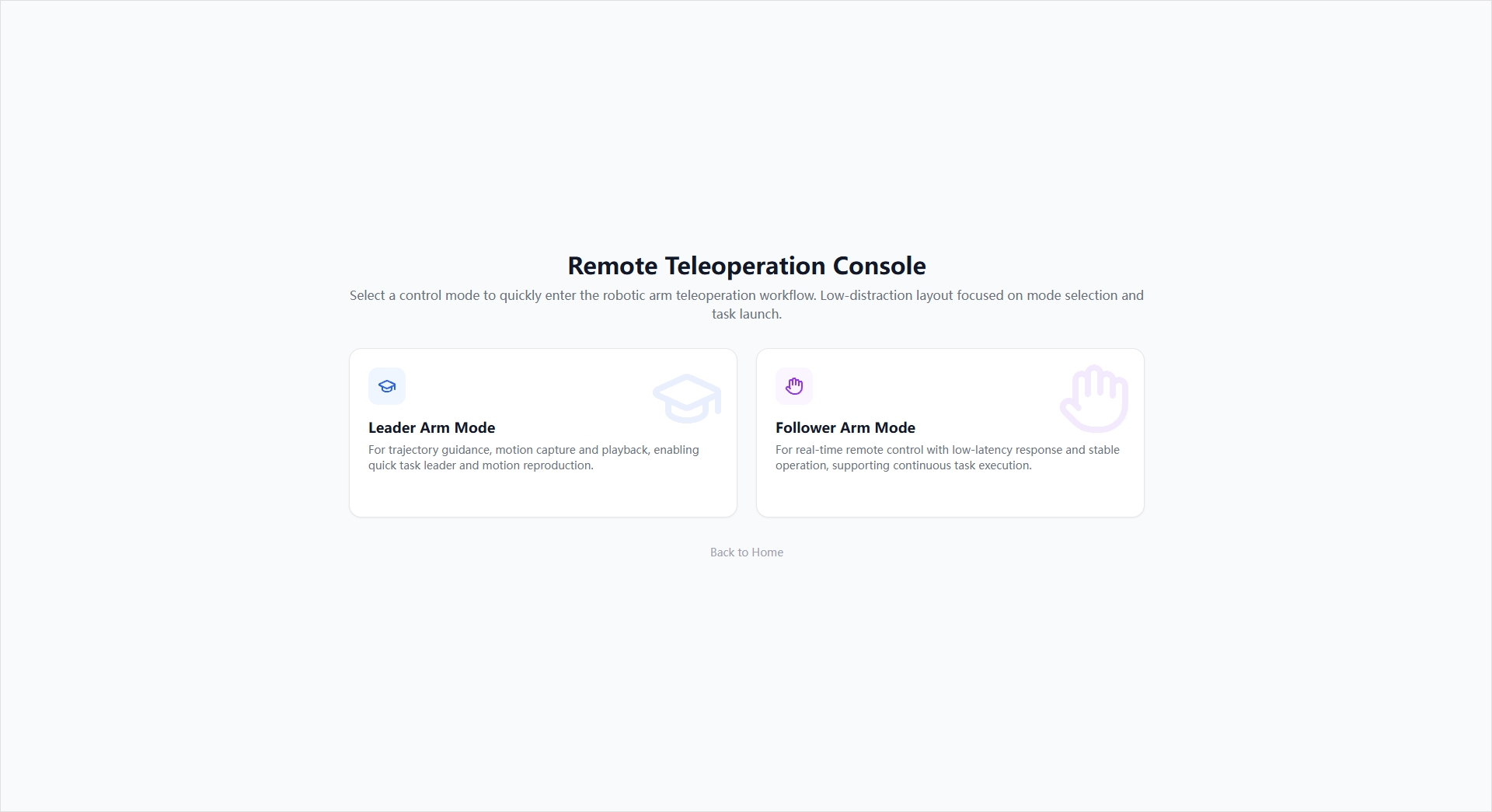
The remote teleoperation home page provides two entries:
- Leader Arm Mode: Suitable for motion teaching, trajectory guidance, and teleoperation control.
- Follower Arm Mode: Suitable for remote execution-end integration and real-time following.
Leader Arm Configuration Flow
The leader arm configuration consists of two steps:
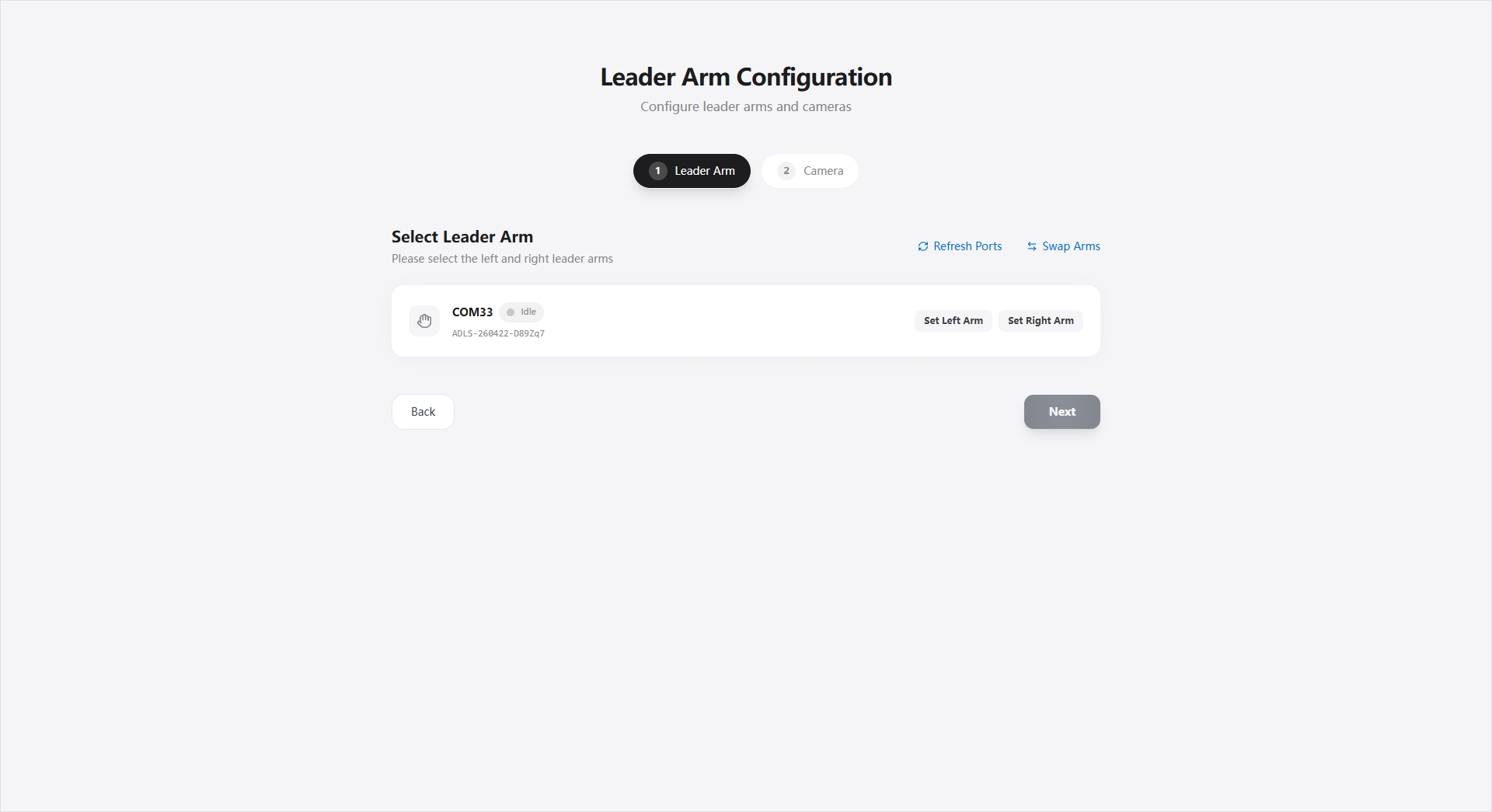
- Select Leader Arm
- Scan for available leader arms.
- Assign left arm / right arm.
- Determine whether the device responds through real-time joint changes.
- Configure Camera Scheme
- Select the number of cameras.
- Select the image quality level (HD / Ultra HD).
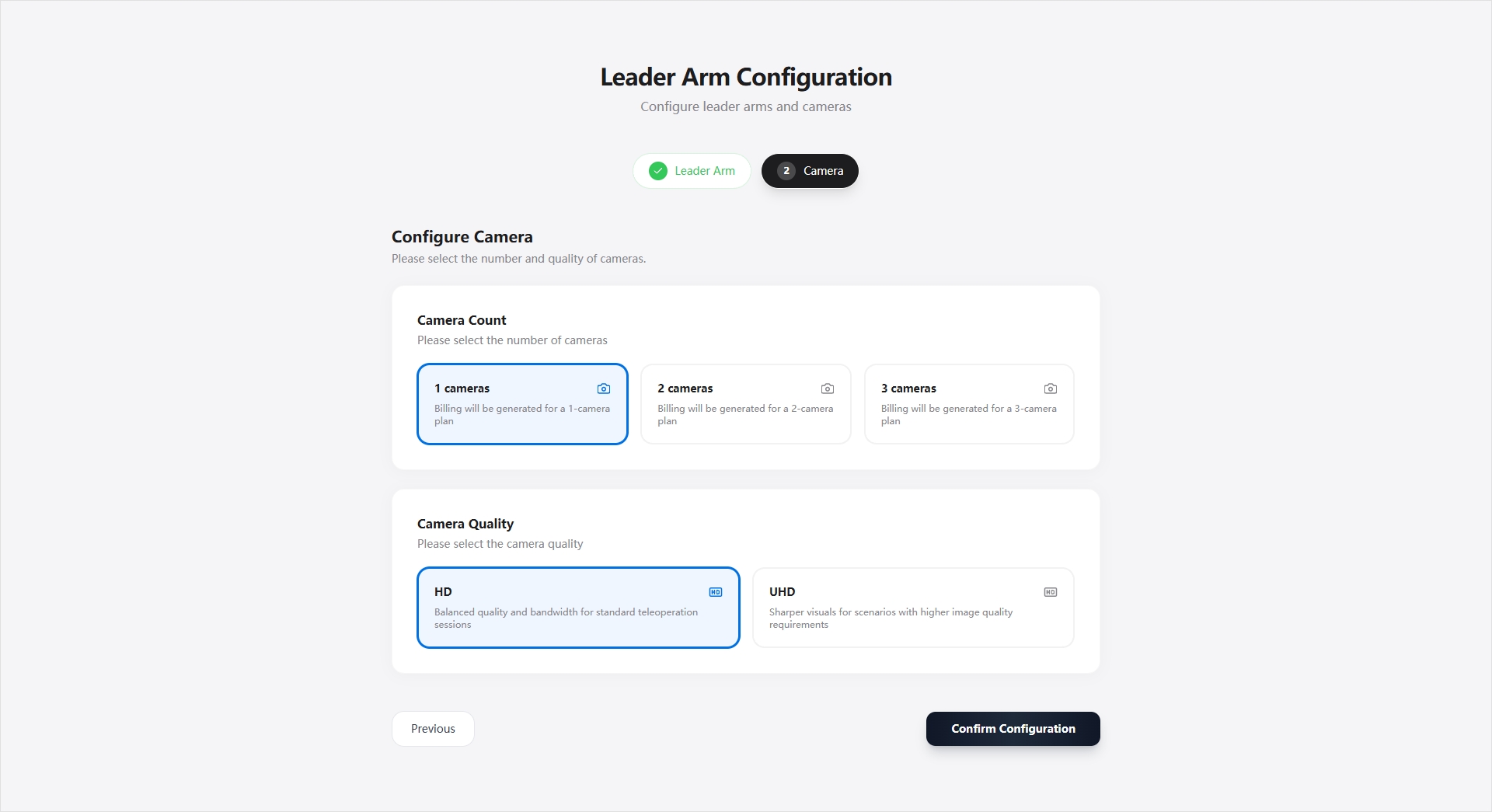
After confirming, you enter the ready popup and establish a teleoperation session.
Leader Arm Session Page
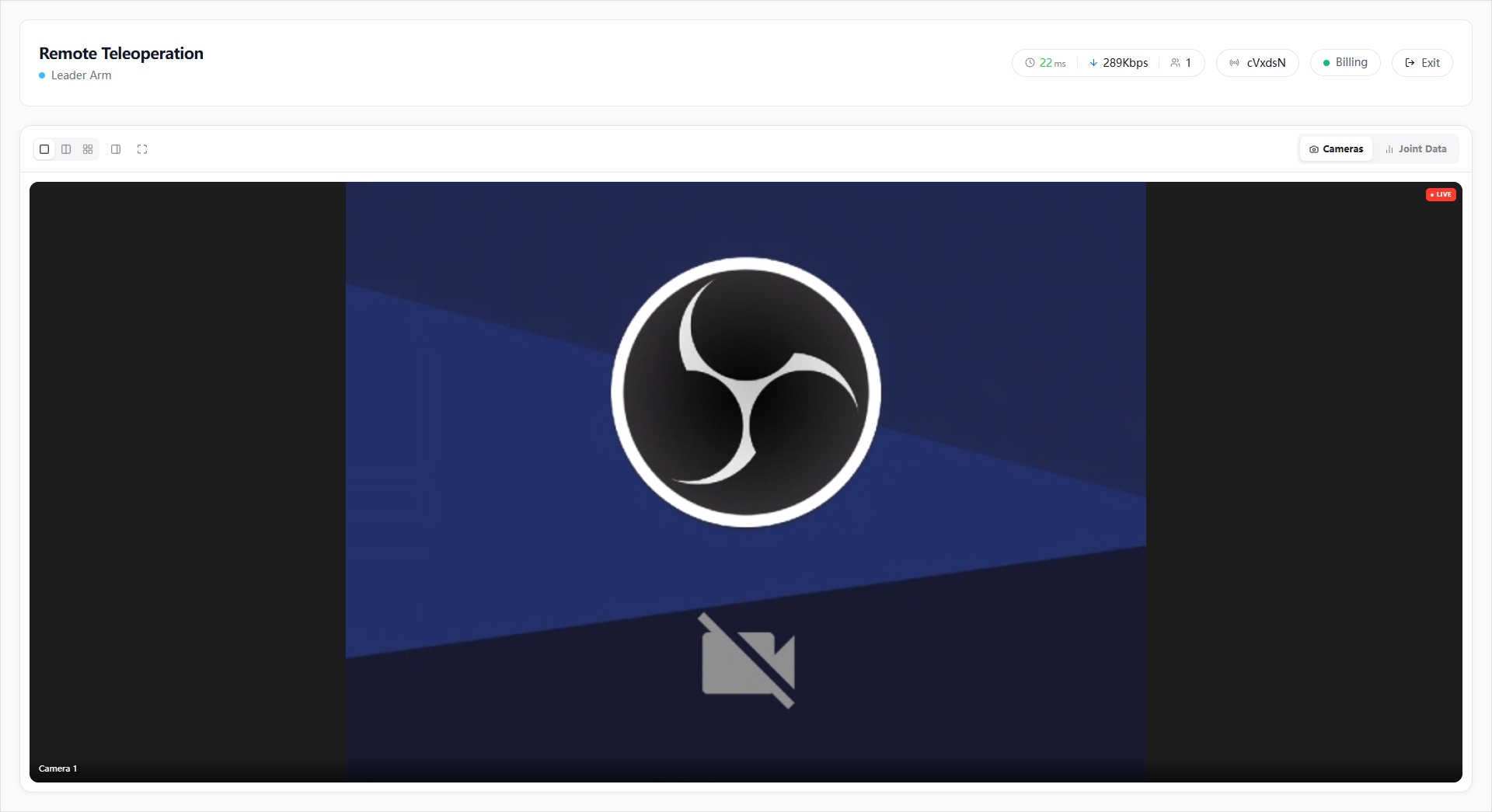
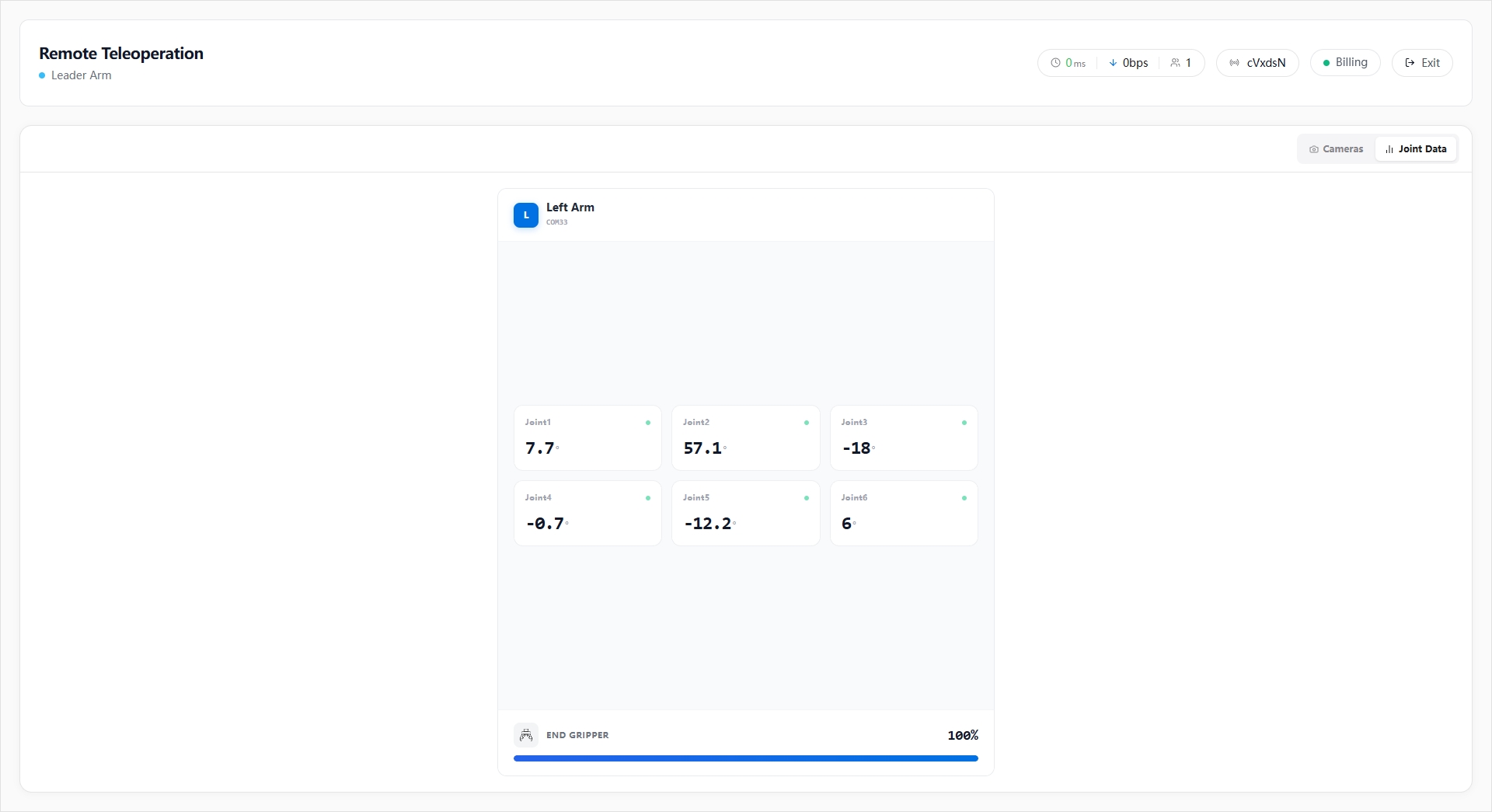
The leader arm session page provides:
- Channel ID display and copy.
- Information such as current network RTT, downlink bandwidth, and number of online users.
- Billing status, session duration, and remaining points tips.
- Camera feed display, supporting 1 / 2 / 4 grid layouts.
- A sidebar feed list, supporting drag-and-drop reordering.
- A joint data view to monitor the left and right arm joint angles and gripper status in real time.
Follower Arm Configuration Flow
The follower arm configuration consists of three steps:
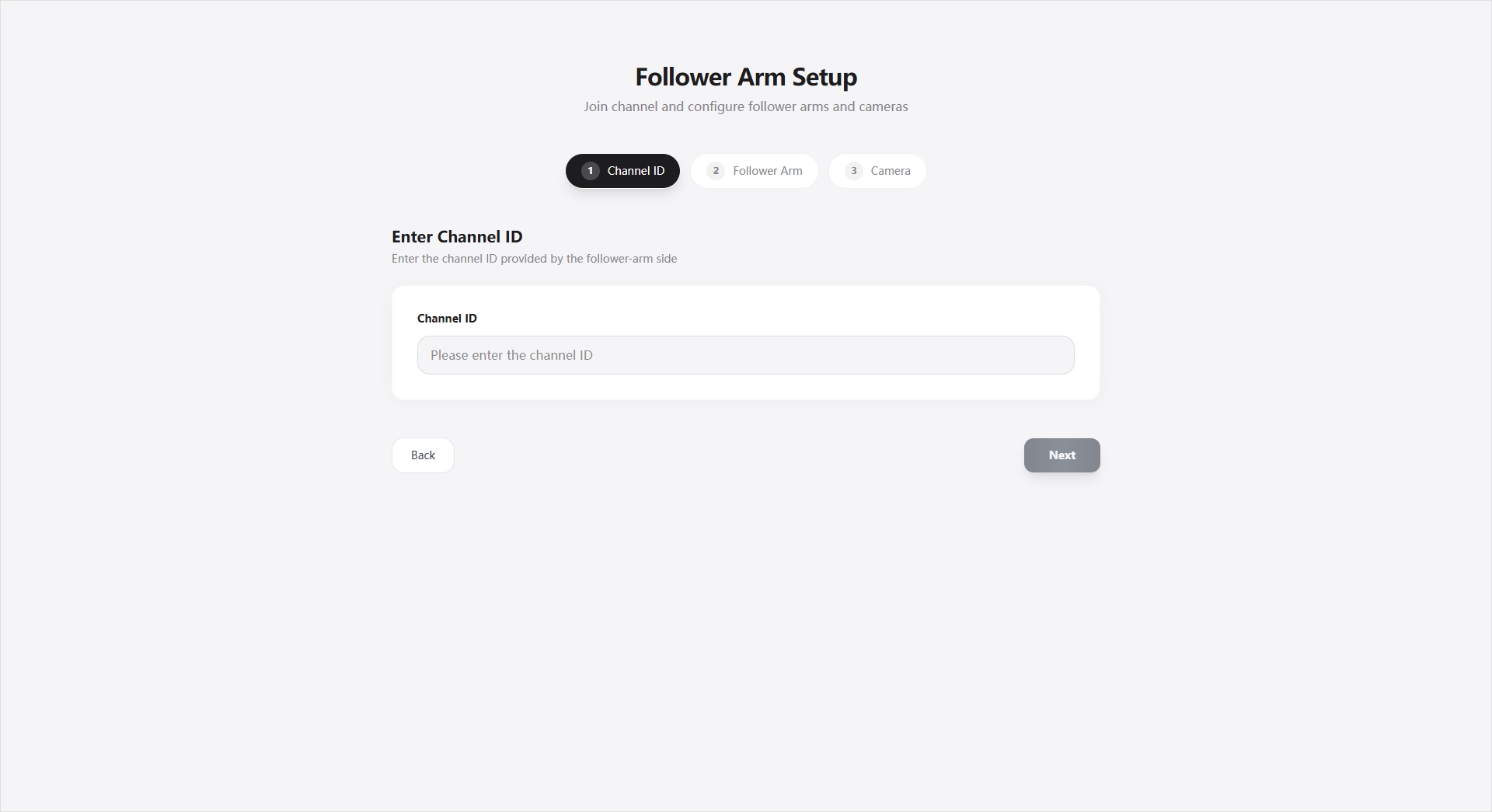
- Enter Channel ID
- Enter the channel ID created on the leader arm side.
- Parse the camera scheme corresponding to that channel.
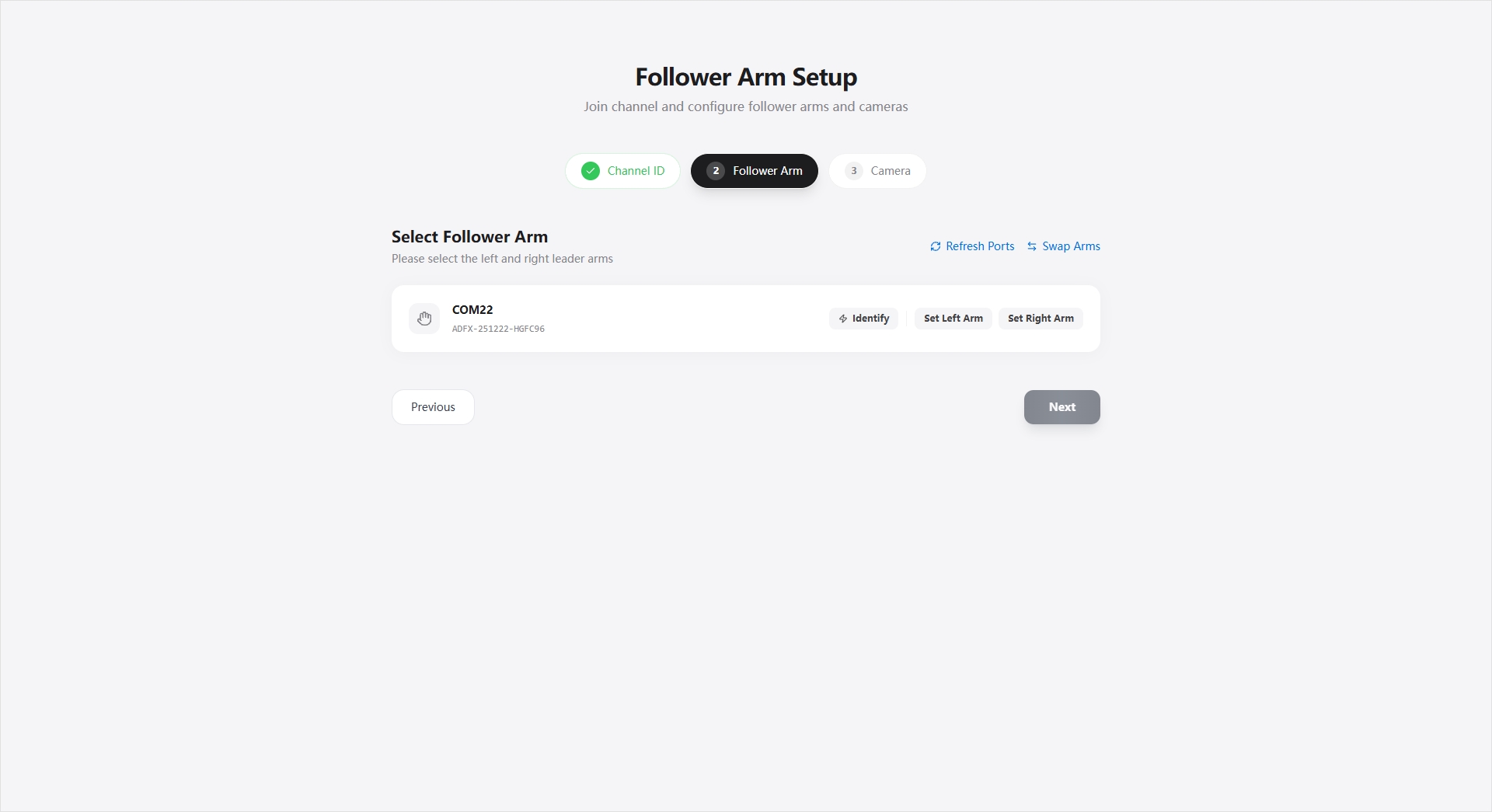
- Select Follower Arm
- Scan for available follower arms.
- Assign left arm / right arm.
- Supports identifying the device (such as triggering a gripper action to assist confirmation).
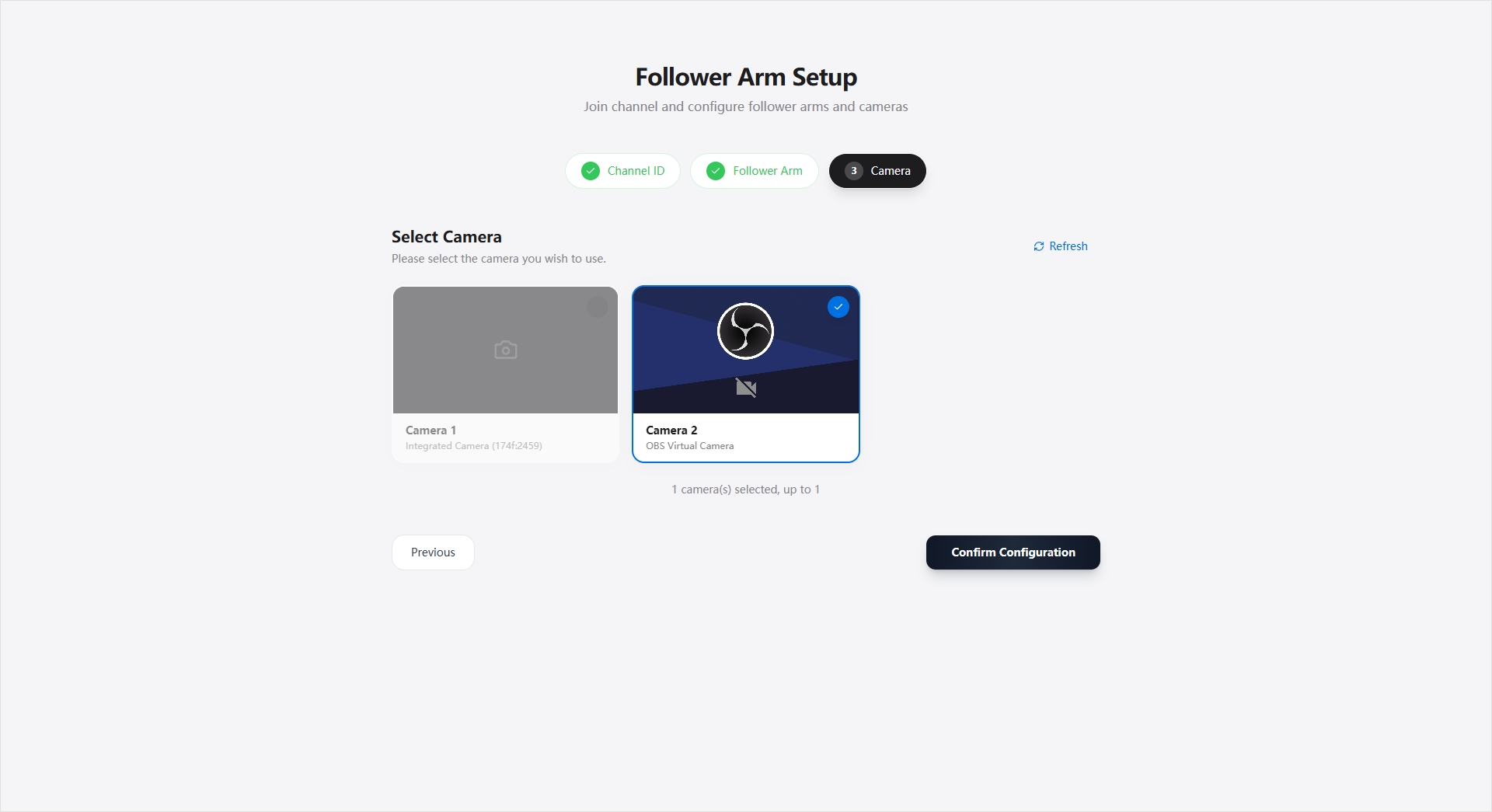
- Select Cameras
- Scan for local cameras.
- Preview the real-time feed.
- Select the corresponding number of cameras according to the channel scheme.
Follower Arm Session Page
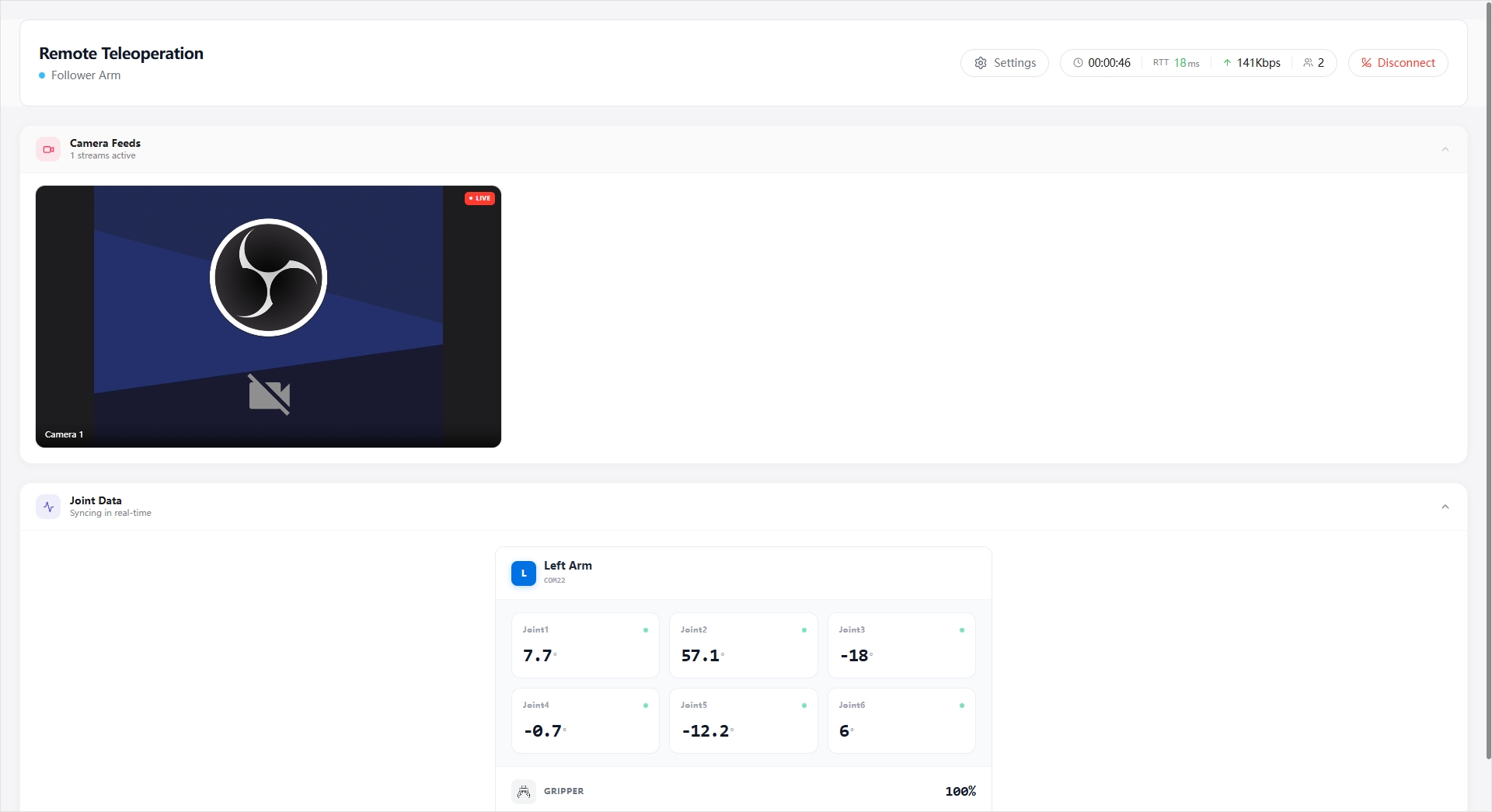
The follower arm session page provides:
- The streaming status of the local camera feed.
- Information such as teleoperation session duration, network RTT, uplink bandwidth, and number of online users.
- Receiving leader arm joint data in real time and driving the follower arm to execute.
- Viewing the left and right arm joint angles and gripper status.
- A settings panel for adjusting the execution speed.
- Returning to the remote teleoperation home page after disconnecting.